















How Long Does a 510 Battery Take to Charge?
If you just plugged in your 510 battery and are wondering whether it will be ready in 15 minutes or take all afternoon, the short answer is: most 510 batteries take around 30 minutes to 2 hours to fully charge.
Smaller batteries used for compact cartridges often finish charging in under an hour, while larger-capacity devices may need closer to 90–120 minutes.
In my experience testing different 510 devices, the biggest mistake people make is assuming “longer charging = better battery life.” That is not always true. A small 350mAh battery can finish in about 45 minutes and still last through a day of light use, while a larger 900mAh battery naturally takes longer.
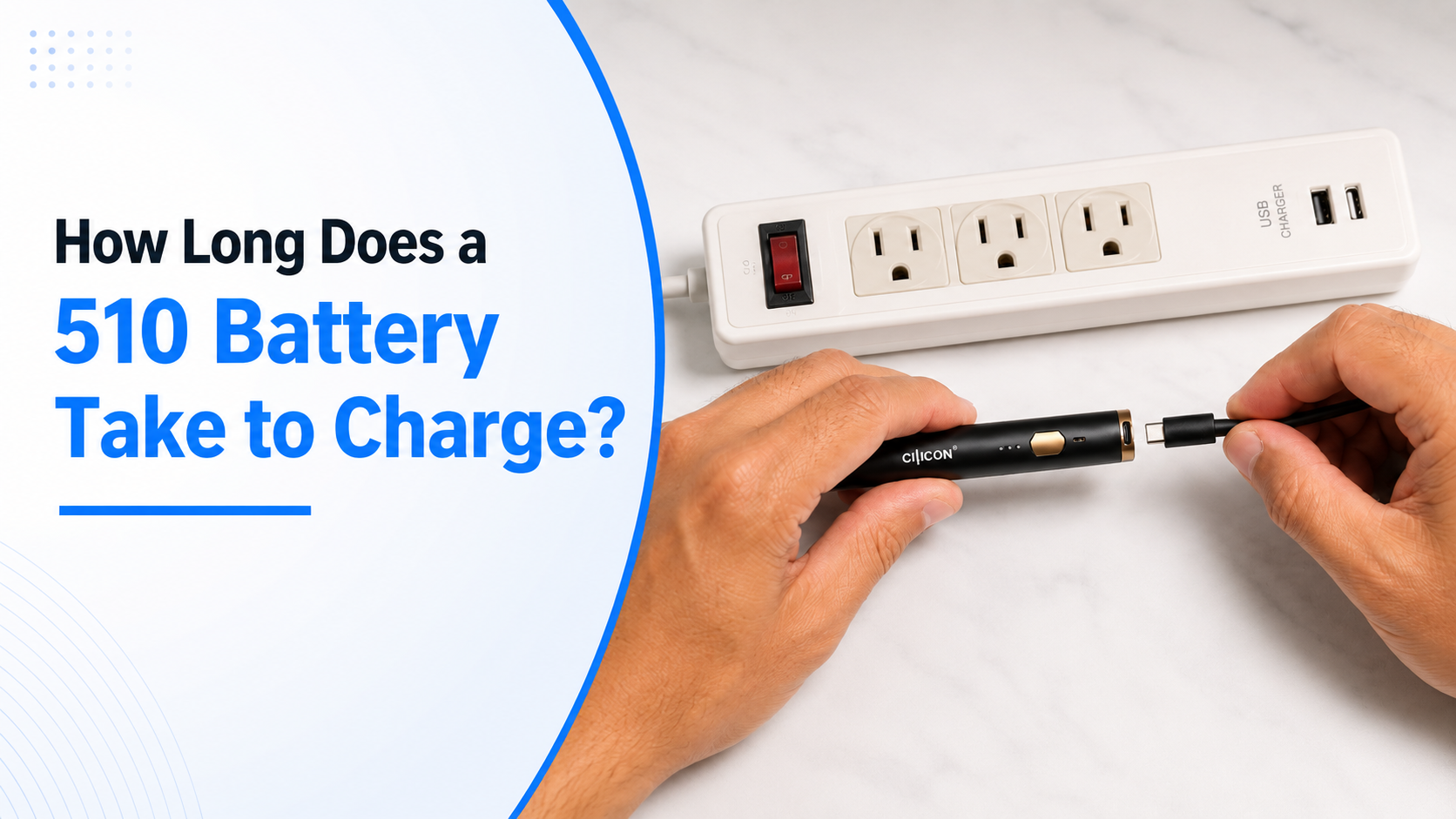
Quick Answer: How Long Does a 510 Battery Take to Charge?
Most 510 batteries charge within:
| Battery Capacity | Typical Charge Time | Usage Type |
|---|---|---|
| 280–350mAh | 30–60 minutes | Light users |
| 400–650mAh | 45–90 minutes | Regular use |
| 700–900mAh+ | 90–120 minutes | Heavy use |
| Variable voltage batteries | 1–2 hours | Advanced users |
Charge time varies depending on:
- Battery size (mAh)
- Charger output
- USB type
- Battery age
- Charging method
- Remaining battery level
Understanding the 510 Battery
What Is a 510 Battery?
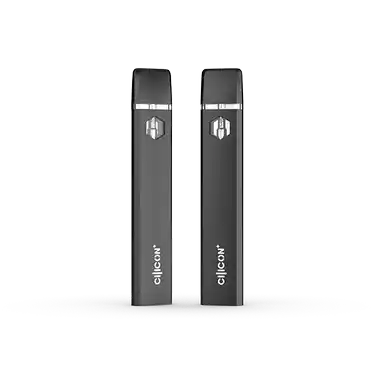
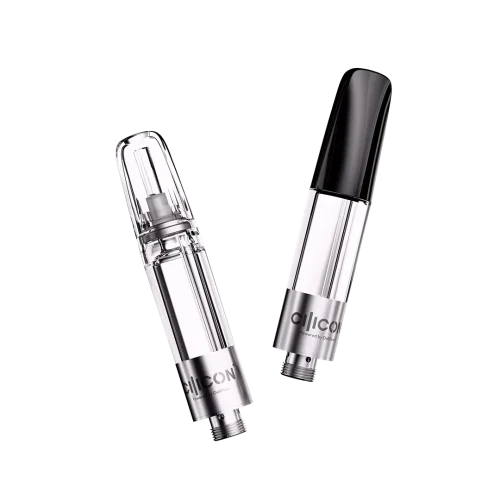
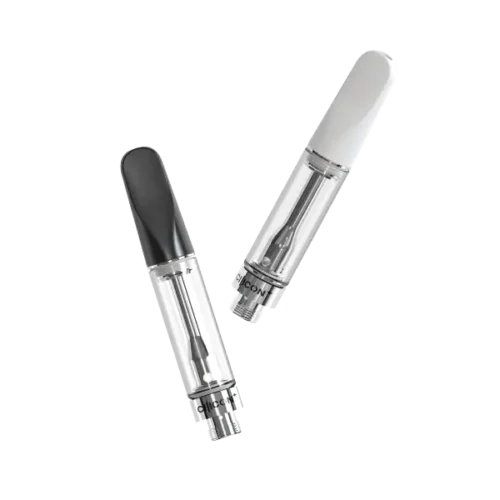
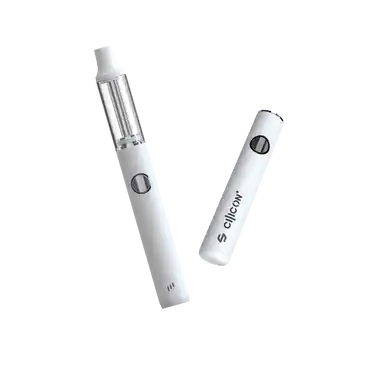
A 510 battery is a rechargeable power unit designed to work with 510-thread cartridges, named after the standardized threading connection used by many cartridges and batteries.
Typical features include:
- Button activation or auto-draw
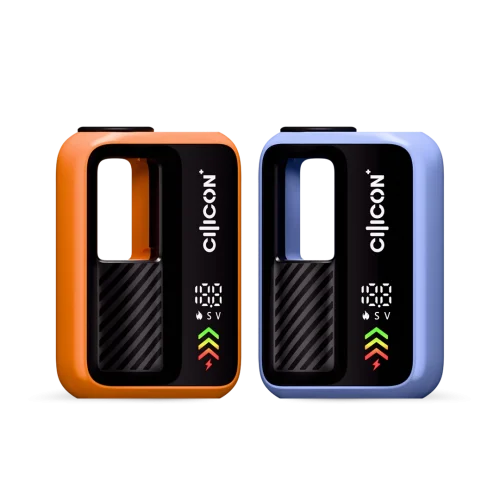
- Variable voltage settings
- USB charging support
- Compact pen-style design
- Universal compatibility with many cartridges
Because these batteries come in different capacities, charge time can vary significantly.
Battery Capacity and Its Impact on Charging
Battery capacity is measured in mAh (milliamp hours).
Generally:
Higher mAh = longer runtime + longer charging
For example:
- 350mAh battery → charges faster
- 650mAh battery → moderate charge time
- 900mAh battery → longer charging period
Think of it like filling different-sized water bottles. A larger bottle simply takes more time.
Charging Time Factors
How Long Does a 510 Thread Battery Take to Charge?
The average answer for how long does a 510 thread battery take to charge is:
About 30 minutes to 2 hours.
However, charging speed changes depending on device setup.
Here is a practical comparison:
| Situation | Expected Charging Time |
|---|---|
| Nearly empty 350mAh battery | 35–50 mins |
| Mid-size 650mAh battery | 60–90 mins |
| High-capacity battery | 90–120 mins |
| Fast USB charger | Slightly shorter |
| Old battery | Sometimes longer |
If your battery regularly needs more than 2.5 hours, it may indicate:
- Aging cells
- Faulty charger
- Dirty connection
- Reduced charging efficiency
What Affects Charge Time?
1. Battery Capacity
Larger batteries hold more energy.
Example:
350mAh → quick charge
900mAh → longer charge
2. Charger Output
Not all chargers deliver identical power.
A dedicated 510 charger often performs better than random USB adapters.
Using incompatible chargers may:
- Slow charging
- Trigger overheating
- Reduce battery lifespan
3. Remaining Battery Percentage
Charging from:
10% → takes longer
50% → faster top-off
80% → slower final stage
Many batteries intentionally slow charging near full capacity to protect cell health.
4. Battery Age
Older batteries lose charging efficiency.
If your device used to finish in 45 minutes but now needs nearly two hours, battery degradation could be the reason.
Charging Methods and Their Impact
Different charging styles affect speed.
| Charging Method | Speed | Notes |
|---|---|---|
| USB screw charger | Standard | Most common |
| USB-C direct charging | Faster | Newer models |
| Variable-voltage dock | Moderate | Advanced devices |
| Laptop USB port | Slower | Lower output |
| Wall adapter | Faster | Use compatible rating |
Personally, I avoid charging through old laptop ports because they often feel noticeably slower compared with proper adapters.
Steps on How to Charge a 510 Battery
Charging Equipment Needed
Before charging, prepare:
- Compatible 510 charger
- USB cable (if supported)
- Clean battery connection
- Stable power source
Avoid using damaged cables or loose adapters.
Proper Charging Procedures
Step 1: Remove the cartridge if recommended by the manufacturer.
Step 2: Attach the charger carefully.
Do not overtighten.
Step 3: Connect to USB power.
Step 4: Observe LED behavior.
Most devices show:
- Red light = charging
- Green or white = fully charged
Step 5: Disconnect once complete.
Leaving batteries plugged in overnight repeatedly may shorten lifespan over time.
Signs Your 510 Battery Is Fully Charged
LED Indicators
Most 510 batteries use LED status lights.
Common examples:
| LED Color | Meaning |
|---|---|
| Red | Charging |
| Flashing red | Low battery |
| Green | Fully charged |
| White/blue | Ready for use |
Always check device instructions because brands vary.
Other Indicators of Charge Completion
Your battery may be finished charging when:
- Light stops blinking
- Charger indicator changes color
- Device powers on normally
- Vapor output returns to normal
- Voltage settings respond correctly
If charging appears complete but performance stays weak, the battery may need replacement.
Tips for Efficient Charging
Avoiding Common Charging Mistakes
Many charging problems come from simple habits.
Avoid:
- Using phone fast chargers without compatibility checks
- Over-tightening chargers
- Charging in hot environments
- Leaving batteries connected all night
- Ignoring dirty thread connections
A quick wipe around the connection point can sometimes fix “slow charging” complaints immediately.
Maintaining Your 510 Battery for Longevity
Good battery habits can extend service life.
Recommended practices:
- Recharge before complete depletion
- Store at room temperature
- Keep threads clean
- Avoid moisture exposure
- Use original charging accessories
- Disconnect after full charge
Most quality 510 batteries last several hundred charging cycles under normal conditions.
Common Charging Problems and Fixes
| Problem | Possible Cause | Fix |
|---|---|---|
| Battery charges slowly | Old charger | Replace charger |
| No LED light | Dirty connection | Clean threads |
| Takes over 2 hours | Battery aging | Check battery health |
| Charger gets hot | Incompatible adapter | Change power source |
| Stops before full charge | Damaged cable | Replace cable |
FAQs
Q: How long does it take to charge a 510 battery?
Most devices charge within 30 minutes to 2 hours, depending on battery capacity and charger type.
Q: Can I use my 510 battery while it charges?
Usually no.
Many standard 510 batteries are not designed for pass-through charging. Using them during charging may reduce battery life or create performance issues.
Q: Why does my battery take longer to charge sometimes?
Common reasons include:
- Larger battery size
- Aging battery cells
- Lower-output USB ports
- Dirty threads
- Cooler or hotter environments
If charging time suddenly doubles, inspect the charger first.
Final Thoughts
So, how long does a 510 battery take to charge? For most users, expect somewhere between 30 minutes and 2 hours, with smaller batteries finishing faster and higher-capacity models taking longer. Battery size, charger quality, charging method, and overall battery condition all play a role. If your device starts taking unusually long to recharge, checking the charger, cleaning the connection, and reviewing battery age are usually the first places to look. A little maintenance goes a long way toward keeping charging times consistent and extending battery life.

Written by:
Haroon Rasheed
Haroon is a knowledgeable writer immersed in the THC vape device market. He has a deep understanding of vape hardware, cartridges, strains, terpene profiles, and the distinct qualities of leading brands like Stiiizy, Rove, Select, and Mfused. His work draws on insights from real user experiences and community discussions, offering readers clear, detailed, and trustworthy information about the products and culture that shape the cannabis vape industry.
